
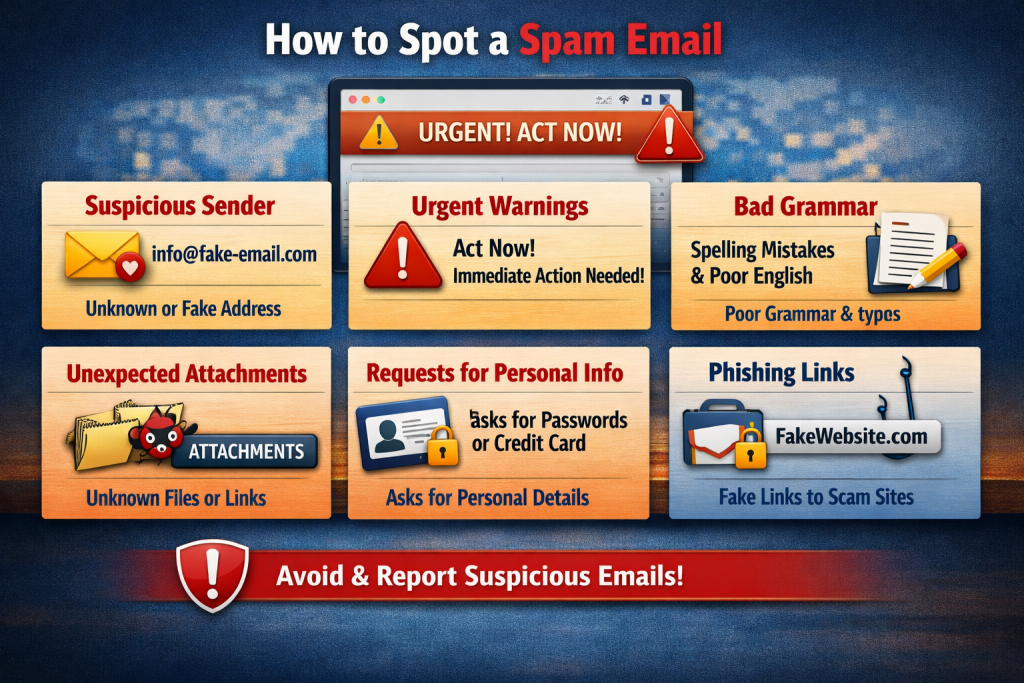
We’ve all encountered that unsettling moment when you open your inbox to find a message that seems slightly off. Perhaps it’s a notification claiming you’ve won a lottery you never entered or a panicked alert from “your bank” demanding an immediate password reset. However, spam has evolved far beyond the obvious junk mail selling knockoff watches. Today, malicious actors employ sophisticated social engineering tactics to steal identity data and financial credentials. Fortunately, by training your eye to spot a few digital red flags, you can easily filter legitimate correspondence from the noise.
Start by checking the sender’s address. The first line of defence is always verifying who actually sent the message. Scammers often disguise the “Display Name” to appear like a trusted organisation, such as “Netflix Support” or “PayPal Security.” However, they can’t easily forge the actual email address behind that name. Carefully examine the domain name. For example, if you receive an email from “Amazon” but the actual address is service-update@amzn-security-portal-39.com, it’s a fake. Be wary of character swaps. Spammers frequently use subtle typos to trick busy readers, such as swapping an ‘m’ for an ’n’ (e.g., wellsfargo vs. welIsfargo) or adding unnecessary hyphens.
Look out for panic tactics. Legitimate businesses rarely demand immediate action to save your account. Spam emails thrive on emotional manipulation, intentionally triggering fear, anxiety, or excitement to force you into a hasty decision. If an email contains phrases like “Your account will be permanently suspended in 24 hours,” “Immediate action required,” or “Unauthorised login detected—click here now,” treat it with extreme suspicion. Take a breath and step back; the urgency is a trap designed to bypass your logical thinking.
Be cautious of generic greetings and missing information. Legitimate emails usually include a personal greeting and provide all necessary details. If an email lacks these elements, it’s likely spam.
Legitimate companies usually know who you are when they email you. They’ll address you by your first name on your account or reference your specific account number. However, spam operations often send millions of identical messages simultaneously, so they usually lack personal details. Be wary of generic opening lines like “Dear Customer” “Valued Member” or “Dear Email User”. If a company you think you have an account with can’t even address you by name, it’s probably a mass-generated spam campaign.
Before clicking on any links in a suspicious email, hover your mouse cursor over the text without clicking. A small preview box will show the actual destination URL. If it doesn’t match the text or points to an unrelated website, don’t click it.
Poor grammar and spelling errors are also a red flag. Major corporations have teams of professional writers editors and proofreaders, so occasional typos are normal. However, emails riddled with awkward phrasing strange capitalisation and blatant spelling mistakes are a sign of a scam. Many phishing operations originate in countries where English isn’t the primary language, leading to unnatural syntax.
Summary Checklist
If you encounter a suspicious message, ask yourself these five quick questions:
| The Red Flag | What to Look For |
| Sender Domain | Does the domain exactly match the official company website? |
| The Tone | Is it trying to panic me into acting immediately? |
| The Greeting | Does it use a generic phrase instead of my actual name? |
| Hidden Links | Does the hovered URL match the text on the screen? |
| The Quality | Are there obvious spelling mistakes or broken grammar? |
If you’re unsure about the email’s authenticity, avoid using the contact details provided. Instead, open a new browser tab and directly visit the organisation’s official website. Then contact their customer support line to verify the message.


